Software · Windows
BORGAS Asset Creator
Four reference images in, a finished 3D game asset out, on your own PC.
$100 launch price for the first 100 buyers, then $150
One-time purchase · runs on your own NVIDIA GPU · no subscription, no cloud credits
Version 1.27.1 · 1 MB installer · digitally signed by Devin Tague. Free to download and set up; generating, finishing, exporting and quality checks need a license key.
Purpose
From concept views to your engine.
Game developers and 3D artists on Windows who want finished, engine-ready assets from concept views without a subscription or cloud credits.
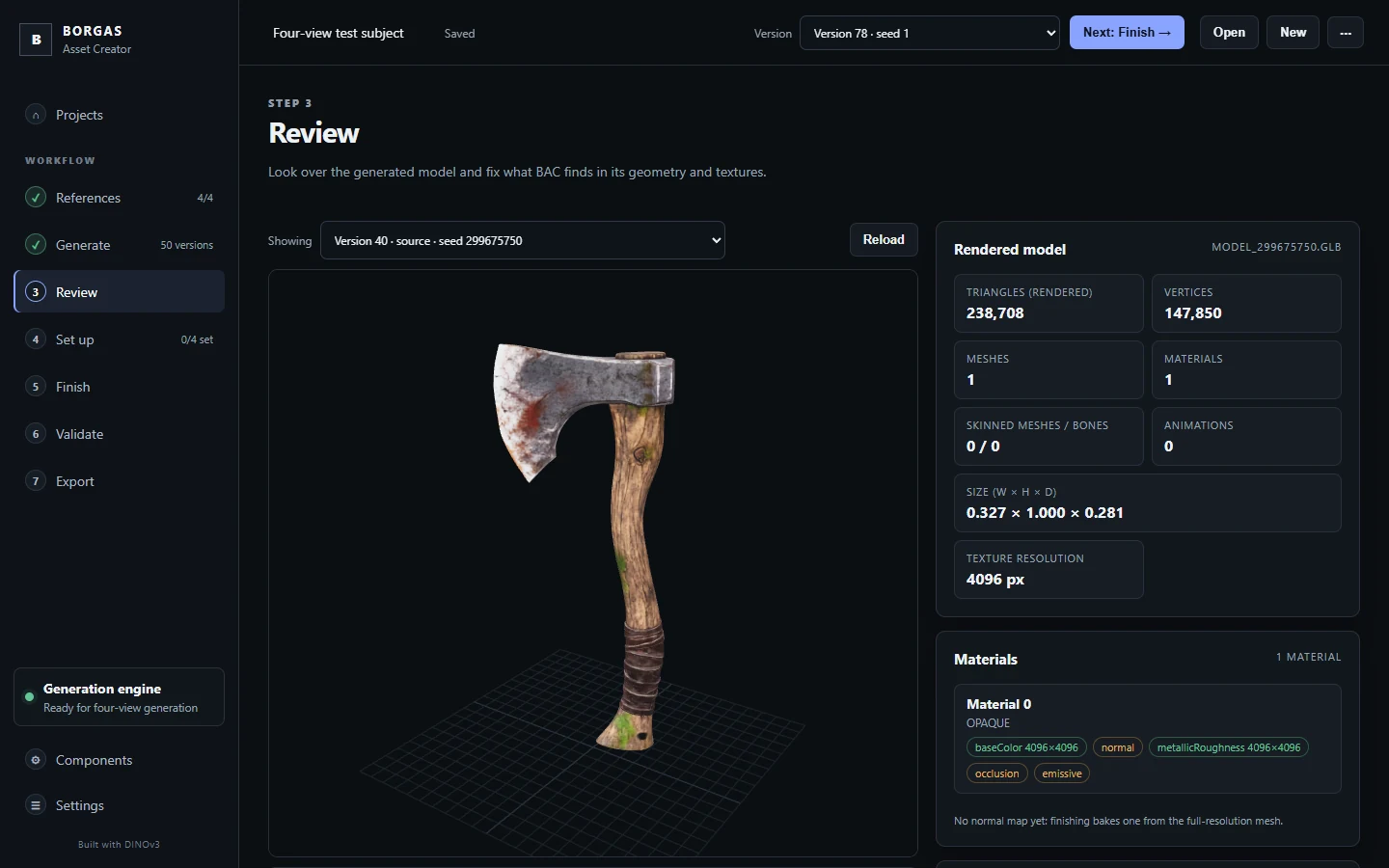
BORGAS Asset Creator turns Front, Back, Left and Right reference images into a textured 3D model on your own NVIDIA graphics card, then cleans it up, rigs it, checks it and exports an Unreal Engine 5 package. Your images and models never leave your computer.
- Textured 3D models from four reference views, generated locally on an NVIDIA GPU
- Four candidates from different seeds in one run, compared side by side; every result saved with its seed and settings
- Cleanup, triangle budgets, LOD0-LOD3 and baked normal maps
- Automatic rigging for humanoid characters and standing quadrupeds, and rigid rigs for props with a marked moving part
- Quality checks for geometry, UVs, materials, textures, rigs and LODs, each with a plain-language fix
- One-click Unreal Engine 5 package with FBX, OBJ and GLB, textures, LODs and import notes
- With Unreal Engine 5 installed: automatic import check, UE5 mannequin retarget check and a signed-off pose review before an asset is marked Game ready
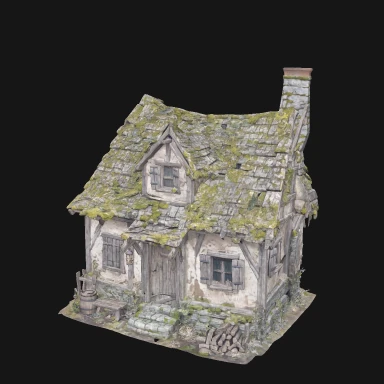
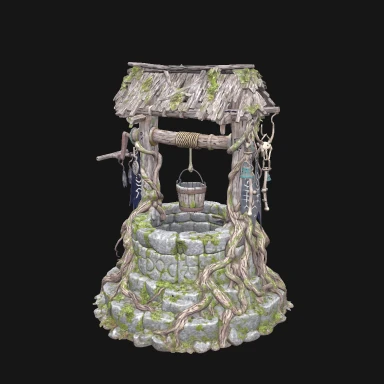
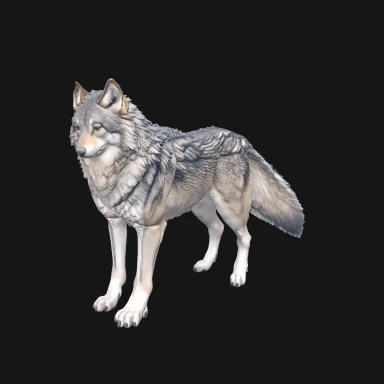
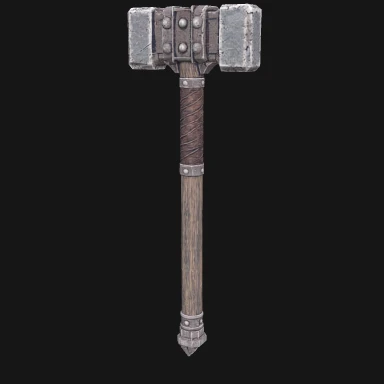
Thumbnails saved by BAC with each generated model, straight from the generator before finishing.
Honest results
Game ready means it passed.
BAC only labels an asset Game ready after every check has actually run and passed: its own quality checks, an automatic import into Unreal Engine 5, and for characters a retarget onto the UE5 mannequin and a pose review that you sign off yourself.
AI-generated models vary from run to run. Some need a second try, a different seed or a cleanup pass, which is why BAC can generate four candidates at once and keeps every version. Treat results as a strong starting point that a 3D artist can refine.
Before you buy
System requirements.
- Windows 10 or 11, 64-bit. Mac and Linux are not supported.
- An NVIDIA graphics card (CUDA). Tested on an RTX 4070 Ti SUPER with 16 GB. The Draft, Standard and High presets are designed for cards with 8 GB or more; 16 GB is recommended, and the Maximum preset needs 24 GB. AMD, Intel and Apple graphics are not supported.
- About 50 GB of free disk space for the app, the 3D engine and its model files (about 14 GB of models), plus room for your projects.
- Internet for first-time setup, which downloads the engine and models. After that BAC works offline.
- A free Hugging Face account with access to Meta's DINOv3 model. BAC's setup walks you through it; access is approved by Meta, not BORGAS, so request it before you buy.
- Optional: Blender 4.5 (BAC's setup can install it) for finishing and rigging, and Unreal Engine 5 for the automatic Unreal checks.
| Item | Details |
|---|---|
| Platform | Windows 10 / 11, 64-bit |
| Graphics | NVIDIA GPU; 16 GB recommended, tested on RTX 4070 Ti SUPER |
| Exports | FBX, OBJ, GLB with textures and LOD0-LOD3 |
| Engine target | Unreal Engine 5 |
| License | One person; install on the computers you use |
| Updates | All 1.x updates included, delivered inside the app |
| Support | hello@borgas.us |
What you get
Buy once, keep updating.
- Your license key right after payment, on your account page
- The signed BORGAS Asset Creator installer for Windows
- All 1.x updates at no extra cost; BAC checks for them from Settings
- Email support at hello@borgas.us
14-day refunds if BAC won't run on your computer, or if you change your mind before generating anything. Read the refund policy and license agreement.
Getting started.
- Request DINOv3 access on Hugging Face (free).
- Download and run the installer. Choose where to install it and which shortcuts to add.
- Open BAC, go to Settings → License, and paste your key.
- Open the Engine page to install the 3D engine (one-time download, about 14 GB).
- Add four reference views on the References page and generate.
Questions
Good to know.
Can I try it before buying?
You can download BAC, install it and run the engine setup to confirm it works on your computer. Generating, finishing, exporting and quality checks need a license key.
Do I own what I make?
Yes. The 3D models you create are yours. The AI models BAC uses have their own licenses, including Meta's DINOv3 license, which you accept on Hugging Face.
Does it send my images anywhere?
No. Generation runs entirely on your computer. BAC goes online only for setup downloads, for update checks when you ask, and once a day to check for revoked license keys.
Windows or my browser warns about the download.
The installer is digitally signed by Devin Tague. A brand-new release can show a "not commonly downloaded" notice for a while; make sure you downloaded it from borgas.us. Its SHA-256 is b2fc2d3b5a9597b5ac4fd9859237e9b13d24f2f9a73c0adfea8676b1bed6a811.
Can I move BAC to a new computer?
Yes. Install it there and paste the same key.
Next step
Turn your concept art into assets.
$100 for the first 100 buyers. Questions first? Write to hello@borgas.us.